
Installing doxygen
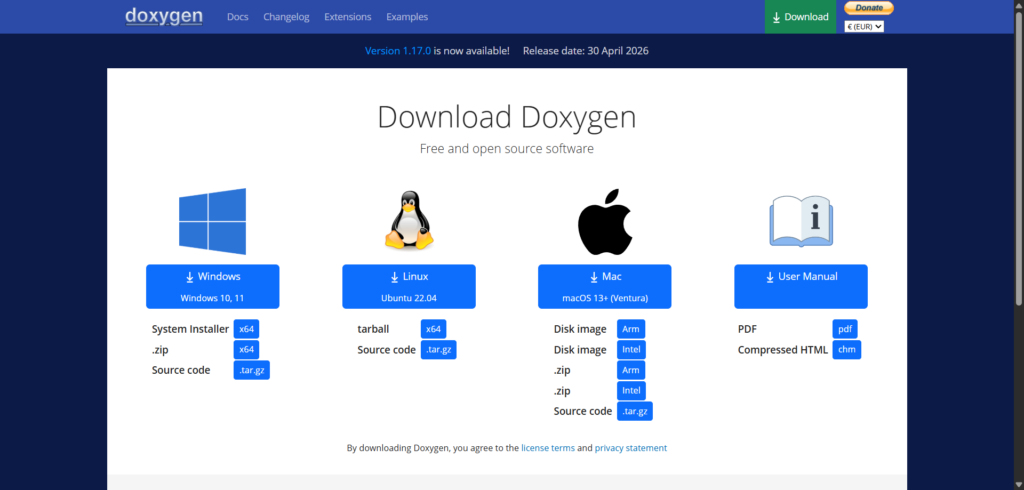
Before getting started, make sure to install the software required to build the documentation, a software called doxygen. You can download it from its website at https://www.doxygen.nl and click the Download button to proceed to download the installer for your platform.
Building API Documentation of Kemena3D
One of the most challenging aspects of building a C++ project is managing dependencies. To simplify this process, we’ve provided an easy-to-use python script, build_doc.py that automatically run doxygen to scan the source code of Kemena3D SDK and generate the API documentation. You can find this script in the Kemena3D root folder, just run command prompt from the root folder and run this command:
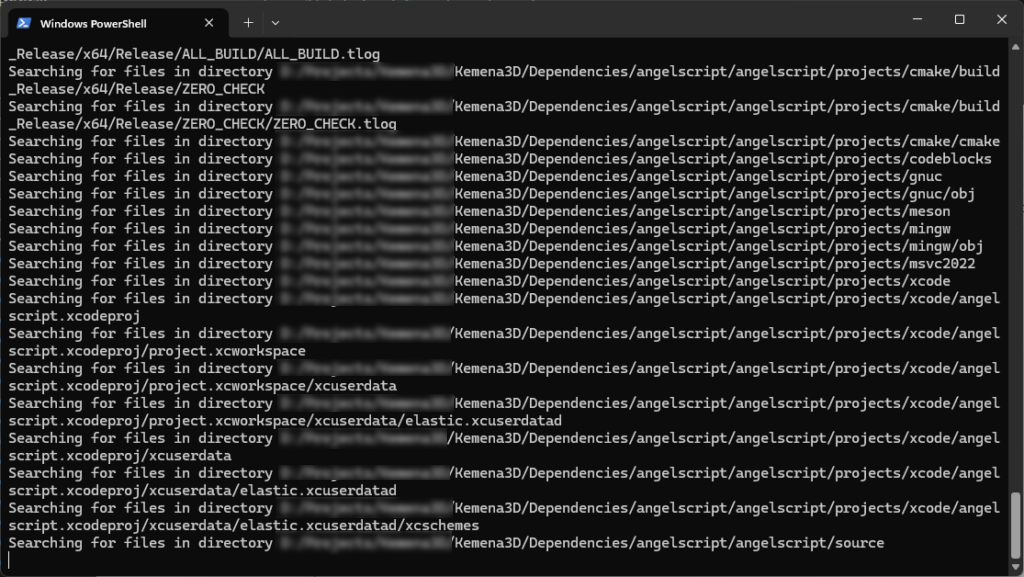
python build_doc.pyWhen you run the python script, you’ll see an interface similar to the screenshot shown below.
That’s it! Once the documentation has been generated, you can upload it to your own web server, or simply run it locally on your computer. If you don’t want to build the documentation yourself, you may refer to the official Kemena3D API documentation at https://kemena3d.com/doxygen